
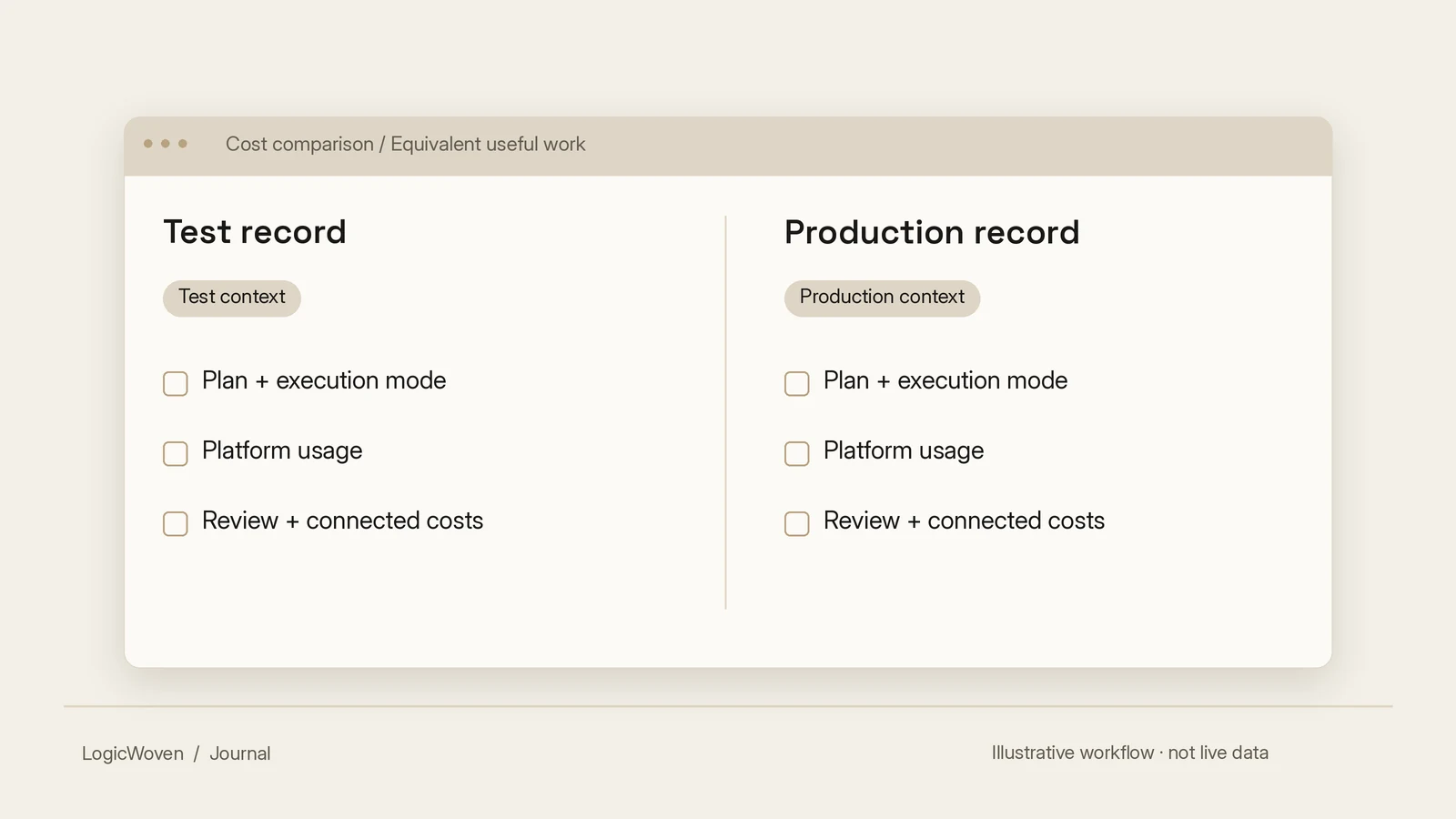
A successful Zapier Agents test is not, by itself, a reliable production-cost estimate. Zapier documents that testing an agent does not count as an activity on paid plans, while tests on the Free plan count toward the monthly activity quota.[3] You must therefore record the plan and execution context before interpreting the usage counter.
For a small business evaluating an agent, this is an accounting problem with a practical solution: maintain separate test and production records, compare equivalent work, and include the labor and connected services that an activity counter does not describe. A trial can demonstrate useful behavior without yet establishing the economics of running that behavior repeatedly.
What the test actually establishes
A controlled test can answer questions such as whether the agent finds the right information, creates an acceptable draft, or follows the proposed approval path. It can also reveal which branches the workflow takes. Those are valuable findings even when the platform treats test activities differently from production usage.
The mistake is moving from “the test did not reduce this allowance” to “the workflow has no operating cost.” The former may reflect the documented paid-plan testing rule; it says nothing by itself about the monthly subscription, implementation work, review time, or charges from connected services.
Conversely, Free-plan testing consumes activity quota under the reviewed documentation.[3] A team that uses that allowance while experimenting should not treat all consumed activities as production workload. Keep learning effort and live service delivery separate in the report.
No plan is recommended here on headline price. First establish what you are trying to learn, what the trial requires, and which account rules apply.
Define a comparable unit of work
Before comparing meters, define the business task. “Run the agent” is not specific enough. A more useful definition might be “prepare one correctly sourced draft from an eligible inquiry, without sending it.” Add a quality condition so a fast but unusable output does not count as equivalent work.
Then specify the input class. A complete inquiry with an existing company record is not the same task as an ambiguous inquiry that requires additional research and correction. Keep those cases separate instead of averaging them into a number that nobody can explain.
Zapier counts triggers, knowledge-source answers, actions, browsing or scraping requests, and web searches as activities.[3] This article does not reproduce a full meter walkthrough. For test accounting, the important point is that different branches can expose different production activity needs even if both tests finish successfully.
Use a test/production comparison ledger
The following is a proposed worksheet. Fill it from actual evidence; blanks mean unknown, not zero.
| Ledger field | Test record | Production comparison record |
|---|---|---|
| Plan and date | Observed plan at test time | Observed plan during comparison |
| Execution context | Exact test interface or method used | Exact live trigger or invocation |
| Agent version | Saved configuration reference | Same version, or documented differences |
| Input class | Synthetic case and its assumptions | Eligible real-work category, privacy protected |
| Desired result | Quality and action boundaries | Same acceptance definition |
| Trace | Tools and branches observed | Tools and branches observed |
| Platform activity treatment | Documented rule plus observed evidence | Actual usage evidence |
| Other service usage | Connected-app or provider records | Corresponding production records |
| Human work | Setup, review and correction effort | Review, exceptions and maintenance effort |
| Outcome | Accepted, revised, rejected, or incomplete | Same outcome labels |
| Attribution confidence | Isolated test or shared-account uncertainty | Isolated interval or declared uncertainty |
Do not infer that a tool invocation called a “test” by your team necessarily qualifies for the vendor's testing exemption. Confirm the execution context in the actual interface or with support. Where the documentation does not settle a particular integration path, label its treatment unresolved until verified.
Filled comparison rows: do not turn an exemption into a forecast
These synthetic ledger entries are a design example, not observed activity records. They deliberately leave production consumption unknown rather than invent a plausible bill.
| Field | TEST-A | LIVE-A |
|---|---|---|
| Plan/context | Assumed paid plan; product testing interface | Same assumed plan; authorized live trigger evaluation proposed |
| Task/version | Prepare a private inquiry summary; configuration V1 | Same task and V1 required for a valid comparison |
| Input | Synthetic complete inquiry CASE-A | Same safe fixture; isolate from customer sequences |
| Platform treatment | Paid tests do not count as activities under the documented rule[3] | Obtain actual activity evidence for this invocation |
| Observed activity change | Not observed; no test executed here | Not observed; no live evaluation executed here |
| Other costs | Model usage, connected services and review effort still need records | Same cost fields plus ordinary exception and maintenance work |
| Accepted result | Not established | Not established |
| Decision | Test design ready for account-specific review | Production budget not yet supported |
The useful comparison begins when actual evidence replaces the “not observed” cells. If TEST-A uses the exemption but LIVE-A has not run, the report can say the testing rule is documented. It cannot say the production workflow is free.
If another agent runs during LIVE-A, record shared-account contamination and seek more specific evidence. Do not assign the whole account-counter change to this fixture merely because its timestamps are nearby. A controlled trial also needs separate authorization; this worksheet does not grant permission to send customer messages or consume a paid allowance.
Avoid contamination when comparing records
Account context matters. Zapier says users on Team and Enterprise accounts share total activities. It also says the activity counter is account-wide, while the Data usage page displays activities related to the user's own agents, actions, and knowledge sources.[3]
That distinction can make an account-level before-and-after counter difficult to attribute to one pilot. Use available trace details and a clearly documented observation window; if other work cannot be separated, state the limitation instead of assigning every change to your experiment.
Also keep configuration changes visible. If the team adds browsing, retries, or another connected action between testing and production, it is no longer comparing the same workflow. A changed version may be the right business decision, but its budget needs a new explanation.
Make the pilot decision from evidence, not a free-looking test
At the review meeting, ask three questions. Does the output meet the quality requirement? Is the expected production workload understood well enough to bound spending? Can the team support the review and exception work? A positive answer to only the first question is not yet a production business case.
Include setup, subscriptions, connected software, monitoring, maintenance, and human handling in the wider assessment. Time released can create capacity, but it becomes cash savings only when an actual expense is reduced or avoided. Do not borrow a productivity percentage from another organization to fill gaps in your own ledger.
Product metering and pricing can change, and this draft does not establish an account-specific quote. LogicWoven can help scope a workflow pilot and its measurement requirements. Discuss a measured agent pilot to define what your next agent test should prove—and what still needs a production observation.
Sources
[3] https://help.zapier.com/hc/en-us/articles/26559132765325-How-is-Zapier-Agents-usage-measured