
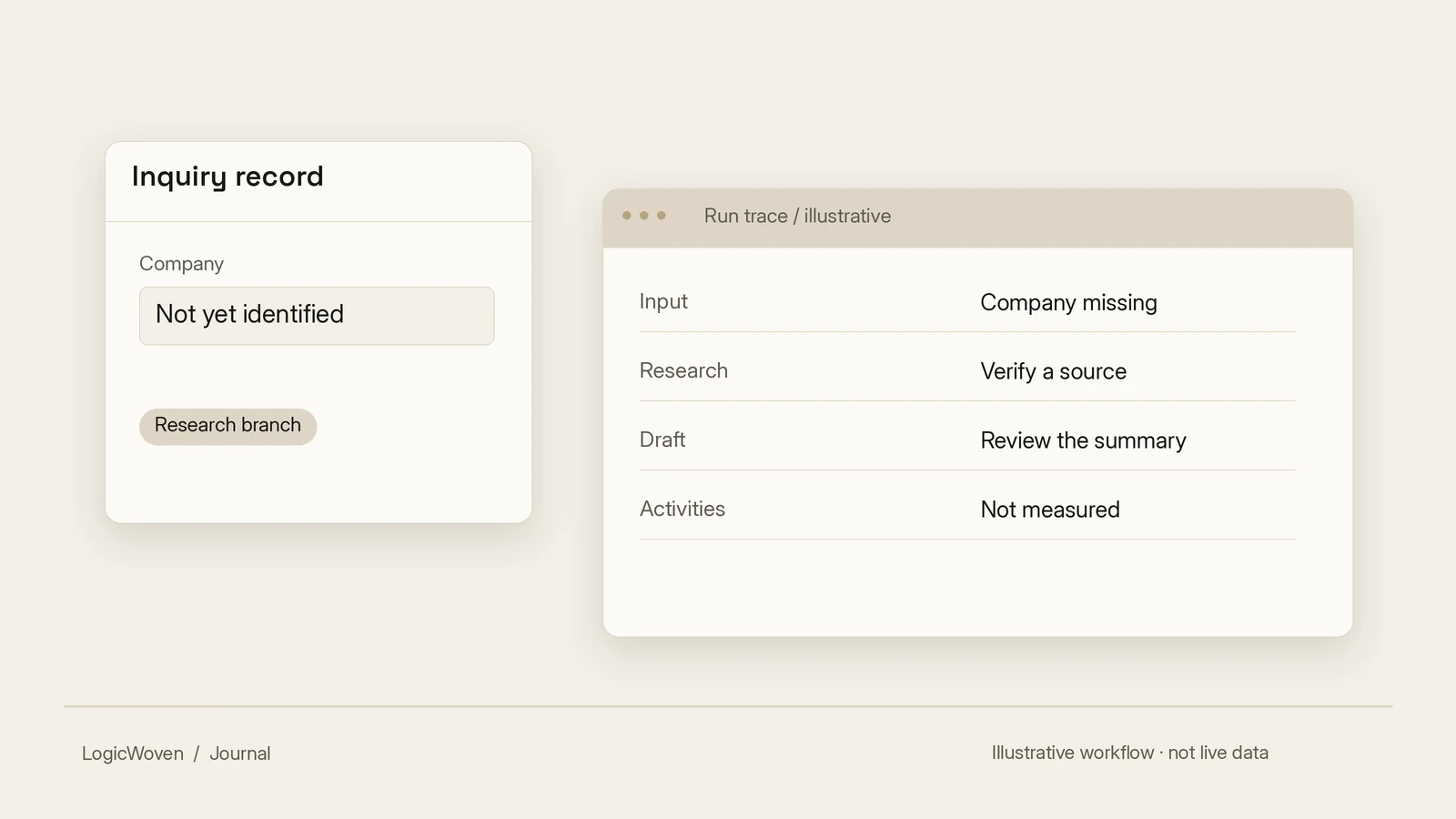
One lead is a business record, not a Zapier Agents billing unit. A single inquiry can trigger a lookup, web research, a record update, and other actions. Estimate usage from a real activity trace and its branches—not from the number of leads alone.
For a sales operations lead, the useful decision is which parts of research deserve agent reasoning and which can follow a predictable rule. A trace makes that discussion concrete. It shows the work you are paying to perform, where extra steps appear, and whether the output is useful enough to justify them.
Activities and tasks are different meters
Zapier's documentation defines an Agent activity as a billable action.[3] Listed examples include using a trigger, answering a question from a knowledge source, running an action, browsing or scraping a web page, running a web search, and sending a message through the Chrome extension.[3]
The same documentation says Agents activities do not affect ordinary Zapier task usage and that Agents is billed as an account add-on.[3] Therefore, an existing task allowance should not be assumed to cover the Agent workflow. Read the actual account plan and add-on terms before choosing capacity.
Also separate meter units from successful outcomes. A run that performs research but cannot identify the right company may still contain activities. A CRM update may be technically completed yet commercially useless if it attaches the wrong company to the inquiry. The trace needs both usage and quality fields.
A vendor example shows why the branch matters
Zapier documents a Chrome-extension example that checks whether a company is already in a knowledge source.[3] Its known-company path counts three activities: sending the extension message, using a trigger, and searching for an answer in the knowledge source.[3]
When the company is not present, the documented example adds a web search and an action that stores new information, for five activities.[3] Those totals belong to Zapier's stated example. They are not a measured prediction for your workflow or evidence that every lead-research design uses the same path.
The buyer lesson is the shape of the difference. Existing information and missing information create different work. Before estimating a month's capacity, understand how often each meaningful path occurs in your own eligible inquiries.
Build a single-run trace first
Start with a synthetic inquiry so the initial inspection does not expose customer data. Give it a unique test identifier and define the expected business result: for example, an inquiry assigned to the correct office owner with a supported company match, or an explicit “needs review” state.
The following LogicWoven trace worksheet is a proposed design artifact. Blank usage cells must be filled from observed activity records; the rows are not a claim about exactly how Zapier will bill your implementation.
| Trace field | What to record |
|---|---|
| Input and run identity | Synthetic record ID, timestamp, workflow version |
| Trigger | What started the run and which meter entry records it |
| Existing-data check | Source searched, matching rule, and result |
| Branch decision | Known company, missing company, ambiguous match, or invalid input |
| Research | Actual searches or page requests, with reason |
| Record change | Destination, changed fields, and permission boundary |
| Completion | Accepted result, reviewer correction, or unresolved exception |
| Usage | Observed activities for this run and relevant account context |
| Human effort | Review, correction, and manual completion work |
Keep the trace chronological. If the agent repeated a search, retain the repeated step rather than summarizing it away. The purpose is to reveal operational work, not produce the cleanest possible diagram.
Hypothetical inquiry: company name missing
Imagine an inquiry with a contact name and an email address but no reliable company name. This is a planning example, not a tested Zapier run or a customer result.
A deterministic intake step can assign an owner and mark the company field incomplete. The agent might then consult an approved source and propose a match. If evidence is ambiguous, the desired business result may be a review request rather than further searching.
In the trace, record what caused the extra work and what made it stop. “Search until confident” is not a useful cost policy. A bounded alternative is to use approved sources and escalate unresolved identity rather than broadening research indefinitely. The exact bounds require implementation and testing; they are not implied product settings.
Notice the tradeoff. Limiting research may leave more manual work, but unlimited enrichment can consume attention and usage without improving the next customer response. Choose the point where additional evidence would actually change the team's decision.
Do not lose the less common paths
After tracing a straightforward case, inspect representative exceptions: an existing contact, a new company, an ambiguous match, missing required information, and a connector failure. Use authorized test data and do not trigger external outreach without separate approval.
For each path, record the business outcome as well as consumption. Keep unsuccessful or abandoned runs in the usage record. Excluding them would make a cost-per-useful-result estimate look better than the process actually performs.
When a pilot provides enough representative observations, estimate expected use by applying the observed path mix to a stated workload assumption. Label both the mix and volume as assumptions outside the measured window. Do not multiply a clean demo by a guessed lead count and present the result as a quote.
Check the run boundary and the monthly boundary
Zapier documents per-run limits of 10 activities on Free and 40 on paid plans, after which the agent requests input before continuing if work remains.[3] That continuation request is a usage safeguard, not a substitute for deciding who may approve customer messages or consequential record changes.
Monthly plan exhaustion has a broader effect: Zapier says agents stop running and stop receiving app trigger events, among other restrictions.[3] The operating plan needs a staffed fallback and reconciliation process, not merely an alert saying usage is high.
Testing also requires care when interpreting the meter. Zapier says paid-plan tests do not count as activities while Free-plan tests count toward the monthly quota.[3] Do not infer production cost from a trial's apparent lack of billed activity. Keep that distinction on the trace and confirm the current behavior before purchase.
Use the separate ledger to compare test and production activity records; the trace here explains the work, not whether a test invocation is billed.
Buy capacity for useful work
The final review should answer three questions: what proportion of eligible inquiries reached an accepted result, what activity paths produced that result, and how much human correction remained? Review software charges alongside implementation, maintenance, connected tools, and staff effort.
If a predictable routing rule does the job, keep it predictable. Reserve the agent for ambiguity that genuinely benefits from research. If the process still cannot produce a dependable result, buying more activities is not the first repair.
LogicWoven can help map an inquiry workflow and build a cost model from actual traces. Discuss your lead-research automation. Bring the decision the research is meant to support; that is the best starting point for deciding how much research belongs in the workflow.