
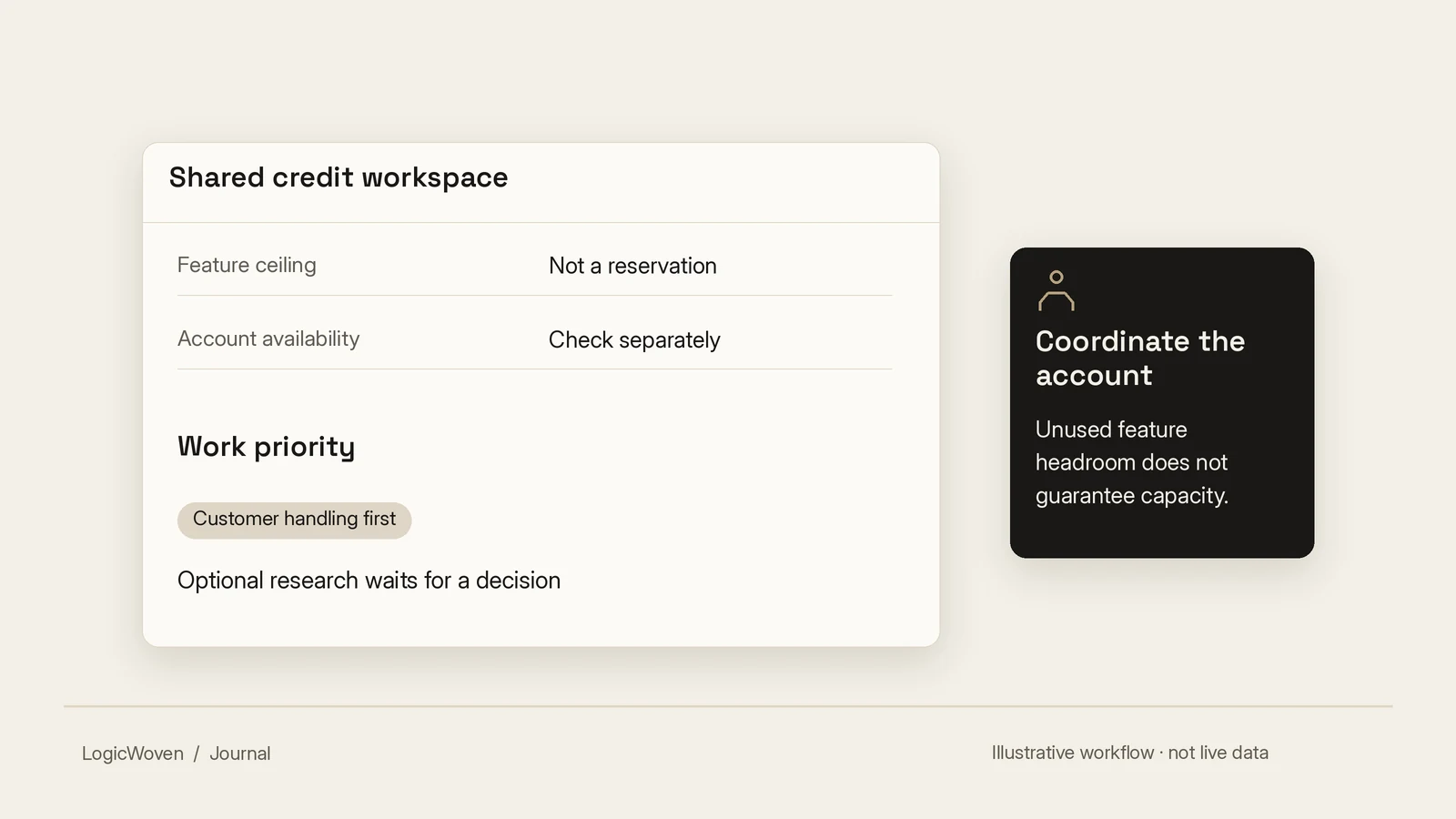
A HubSpot feature-level credit limit is a ceiling on what that feature may consume. It does not set aside credits for the feature. HubSpot explicitly describes feature limits as monthly spending limits rather than credit allocations.[2] If several teams share an account, do not interpret a feature's remaining allowance as a guarantee that credits will be available when the team needs them.
That distinction matters when customer-facing work and discretionary research draw on the same account. A team can stay within its own permitted ceiling while another team's activity changes what is available overall. The management task is therefore to coordinate shared usage, not merely enter separate numbers on separate screens.
Three questions that sound similar but are not
Ask these questions separately during a CRM review:
- What can this feature use? This is the feature ceiling.
- What can the account use overall? This is the account-wide control.
- What work have we decided to prioritize? This is a business policy, not a credit reservation created by naming a team.
HubSpot says the account-level limit remains the overall limit across its tools, and a feature-level limit cannot exceed that account-level limit.[2] Reaching a feature's limit blocks additional credit usage for that tool until the limit resets or is increased.[2] Reaching the account-level spend limit pauses credit-consuming features until the next reset date.[2]
These controls answer different questions. A local feature allowance is not permission to disregard the global boundary. Equally, a global budget does not tell sales, service, and operations which work should receive priority.
Use precise language in internal documents. Write “maximum permitted feature use” rather than “credits assigned to service” unless you are explicitly describing a planning assumption. If a spreadsheet labels a row “reserved,” readers may assume the software enforces a protection that the documentation says it does not.
Worked ledger: unused feature headroom, exhausted account
The following is an invented planning ledger, not a HubSpot usage export. Assume an account-wide boundary of 100 illustrative credit units, a research feature ceiling of 100 and a customer-assistance feature ceiling of 70. The units are chosen solely to show contention; they are not actual feature rates, a plan allowance or a dollar forecast. Assume no reset or authorized boundary increase during the sequence.
| Sequence | Recorded consumption in this example | Account used / boundary | Customer assistance used / ceiling | Decision |
|---|---|---|---|---|
| Opening | None | 0 / 100 | 0 / 70 | Both workflows can be considered under policy |
| Research batch A | Research consumes 35 units | 35 / 100 | 0 / 70 | Customer ceiling has reserved nothing |
| Customer work A | Assistance consumes 25 units | 60 / 100 | 25 / 70 | Account has 40 units of remaining headroom |
| Research batch B | Research consumes another 40 units | 100 / 100 | 25 / 70 | Account boundary is reached |
| Next assistance request | No additional consumption recorded | 100 / 100 | 25 / 70 | Customer feature has 45 units of local headroom but cannot rely on it as available account capacity |
The calculation is deliberately simple: 35 + 25 + 40 reaches the account boundary; 70 − 25 still leaves room beneath the customer feature ceiling. HubSpot says reaching the account-level spend limit pauses features using credits until reset, and that feature limits do not reserve credits.[2] The ledger illustrates those documented boundaries rather than predicting partial execution or the cost of any request.
Arbitrate before the second research batch
A useful decision point was the row with 40 units left, before research batch B consumed them. In this hypothetical policy, the operations coordinator has unresolved customer work and asks the research owner to defer its optional batch. The authorized operator records the hold; finance is consulted only if someone requests greater exposure. Nothing in this worksheet configures an automatic priority queue.
Record the competing requests, their owners, the account snapshot and the decision. If the team cannot estimate customer demand credibly, mark the required headroom unknown rather than pretending that a priority label forecasts consumption. The decision may be to suspend discretionary research temporarily while the owner investigates.
After the account boundary has been reached, pausing further research does not recreate consumed credits. Route blocked customer work through the existing stop policy and obtain a separate billing decision if needed. Do not change a feature ceiling and describe that as replenishing the shared account.
Use a shared-credit priority worksheet
Complete this worksheet with the people who own the workflows, not just the administrator who can edit settings. It is an original planning aid, not a HubSpot allocation feature.
| Field | What to record | Decision it enables |
|---|---|---|
| Feature and workflow | Exact tool and business task | Avoid grouping unrelated work under “AI” |
| Business owner | Person accountable for the task | Resolve competing requests |
| Priority class | Customer commitment, routine operation, or discretionary experiment | Decide what can pause first |
| Feature ceiling | Observed setting and date checked | Establish the local permission boundary |
| Shared account dependency | Account limit, reset date, and other consumers | Reveal contention outside the team |
| Usage evidence | Actual usage record and period | Replace assumptions with observations |
| Pause decision | Who can suspend discretionary work | Make prioritization actionable |
| Limit-change authority | Who may approve additional exposure | Separate administration from purchasing |
| Manual destination | Where blocked work remains visible | Preserve accountability without inventing capacity |
| Review trigger | New feature, campaign, or sustained usage change | Revisit assumptions before they become stale |
The priority class is a proposal to agree internally. Do not imply that entering it in the worksheet automatically changes HubSpot scheduling or reserves capacity. Any control you rely on must be checked in the actual account and tested where appropriate.
Turn the worksheet into an operating agreement
Start with the most consequential workflow. Describe what interruption would mean: a delayed draft, a missed internal report, or a customer inquiry awaiting a person. Avoid treating every feature as equally urgent just because each has an owner.
Next identify work that can be postponed without breaking a customer commitment. Ask its owner to agree on a pause trigger and an authorized operator. A discretionary workflow should not continue simply because nobody has decided who is allowed to stop it.
Finally, connect usage notifications to a decision. An alert is useful only if its recipient can determine what should happen next. The proposed decision can be “review today's workload” rather than “increase the limit.” Do not give an integration builder blanket authority to make a purchasing change under a general maintenance instruction.
Review the agreement when a new team or tool starts consuming credits. A once-reasonable feature ceiling may no longer reflect shared priorities. Keep the old setting, the new setting, the reason, and the approver in a short change record so the next review can distinguish deliberate changes from drift.
What this does not solve
A prioritization worksheet does not establish an exact credit forecast, guarantee tool availability, or determine the lowest-cost subscription. HubSpot says credit rates may change as features evolve, and beta features may begin consuming credits.[2] Recheck the relevant documentation and the customer's actual account rather than treating this article as a permanent rate sheet.
This narrow credit-allocation review is also not the whole automation budget. Implementation, connected software, monitoring, maintenance, human review, and exception handling remain separate scoping items. Better allocation may make work more predictable; it is not proof of cash savings.
The decision to make now
If a team believes its feature limit protects a private pool, correct that assumption before expanding usage. Put the customer-critical tasks and discretionary tasks on the same worksheet, agree who can pause or change them, and verify the actual account controls.
LogicWoven helps organize CRM workflows and connect business tools around clear responsibilities. Discuss shared-credit priorities to review one shared-credit workflow and identify where a feature ceiling is being mistaken for guaranteed capacity.
Sources
[2] https://knowledge.hubspot.com/account-management/understand-hubspot-credits-and-billing