
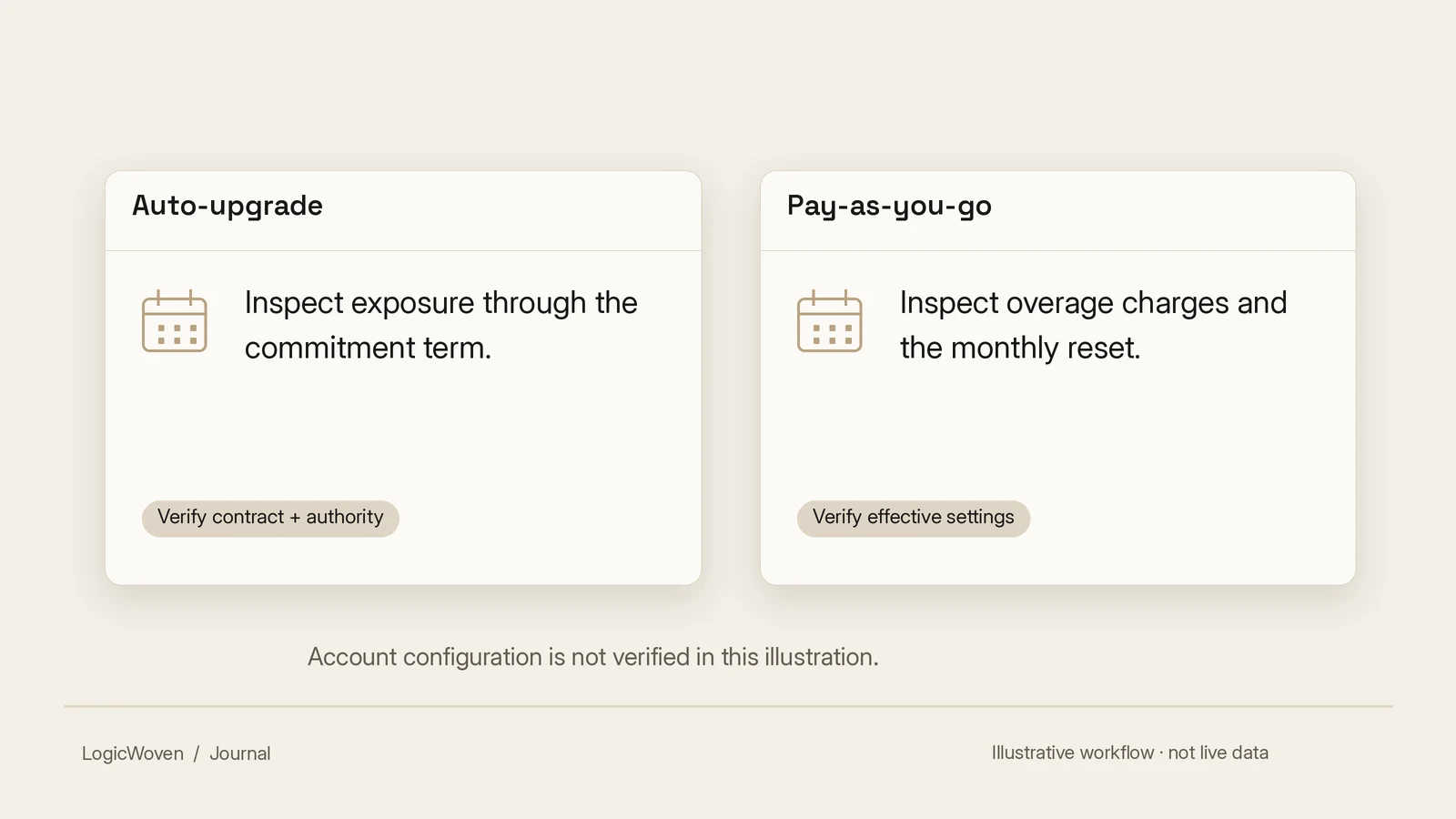
HubSpot credit auto-upgrade and pay-as-you-go overages are not interchangeable ways to buy the same extra month. Under the documented auto-upgrade behavior, usage can move the account to a higher credit capacity for the rest of its commitment term. Under pay-as-you-go, extra usage is billed at the current overage rates and the account returns to its original monthly credit limit on the reset date.[2]
Before changing either setting, inspect the effective account configuration, additional-credit purchase history, commitment end date, and authority to approve spend. The right choice depends on actual workload and contract terms, not whether one billing label sounds more flexible.
Why the purchase date matters—but is not the whole answer
HubSpot's documentation, updated September 16, 2026 and reviewed for this article on October 4, says additional-credit purchases before September 16 default to auto-upgrade. Purchases on or after that date default to pay-as-you-go.[2] These are documented defaults, not proof of the setting currently active in a particular customer's account.
Someone may have changed a setting. A decision may have been made under different assumptions. The person building a workflow may not know when additional capacity was purchased. Record the observed setting instead of reconstructing it from memory or relying only on an invoice date.
Also distinguish included credits from purchased additional capacity. HubSpot says accounts using only included credits pause usage-based features when those credits are exhausted, until reset or purchase; overages require purchasing additional credits first.[2] Do not assume every account automatically has access to every billing option.
Read the consequences side by side
| Question | Auto-upgrade | Pay-as-you-go overages |
|---|---|---|
| What does the documented mode do? | Moves to higher capacity based on usage | Charges for credits beyond the monthly limit |
| What happens after the spike? | Higher capacity applies for the remainder of the commitment term | Original monthly credit limit returns on the reset date |
| What must finance inspect? | Added recurring commitment and renewal options | Current overage rates, usage exposure, and invoicing |
| What must operations inspect? | Whether future work justifies the capacity | Whether variable usage is acceptable and bounded |
The product behavior in this comparison comes from HubSpot's documentation.[2] The questions for finance and operations are recommended review steps, not vendor requirements or financial advice.
Neither column is a universal recommendation. A predictable recurring workload and an occasional exploratory burst are different purchasing cases. Without an observed usage pattern and the actual commercial terms, “always use overages” is no more justified than “always increase the pack.”
A decision record for a temporary workload
Consider a hypothetical cleanup project that would increase usage temporarily. No account, rate or consumption is assumed here. The useful artifact is a commercial decision record that separates the desired setting from when it would apply.
| Decision field | Synthetic entry | Evidence still required |
|---|---|---|
| Requested action | Evaluate changing the overage mode before cleanup | Current observed mode and authorized account operator |
| Current-period usage | Assume some credits have already been used | Dated account record, not project-team recollection |
| Timing consequence | Plan for a next-period change under the documented rule[2] | Actual reset boundary and confirmation for the account |
| Earlier commitment | Unknown whether a capacity upgrade has already occurred | Subscription history and written clarification if unclear |
| Renewal task | Review downgrade/cancellation options before renewal | Commitment end date and applicable process; no notice period guessed |
| Workload decision | Hold the optional cleanup until exposure is approved | Named commercial decision-maker and approval record |
Changing the desired future mode does not establish that the current batch can use it. Nor does it prove that an earlier commitment has disappeared. The cleanup owner can defer or narrow the work while the billing owner resolves those questions. The table is a proposed decision record, not a record of a completed account change.
A renewal-exposure question sheet
Bring these questions to the account owner and, where terms remain unclear, HubSpot support or the commercial contact. Keep evidence beside each answer.
- Account and authority: Which account is affected, and who is authorized to approve a financial change?
- Observed mode: What billing setting is active, and when was it checked?
- Additional capacity: What capacity has already been purchased, and what contractual commitment applies?
- Term boundary: When does the commitment end, and what steps are required before renewal to request a downgrade or cancellation?
- Workload: Is the increased usage ongoing, seasonal, or tied to a bounded project?
- Current rates: Which dated catalog or written quote supplies the applicable rates? Are any assumptions still unresolved?
- Limits: What maximum exposure has the owner approved, and which observed controls support that decision?
- Effective change: When would a requested setting change take effect in this account?
- Existing obligations: Does the proposed change affect only future behavior, or has a higher commitment already been incurred?
- Confirmation: What account evidence or written response will establish the final result?
HubSpot says additional capacity packs can only be canceled or downgraded at the end of the contractual commitment term and instructs customers to contact support before renewal.[2] Do not invent a universal notice period; obtain the applicable timing for the account.
A setting change is not necessarily immediate
Timing deserves its own check. HubSpot's instructions for changing the overage setting say that, if credits have been used during the current usage period, changes take effect at the start of the next period. If no credits have been used, the change takes effect immediately.[2]
That distinction can undermine a well-intended instruction such as “switch it before today's batch.” Verify effective timing before allowing the batch to depend on it. Do not assume changing the mode reverses a capacity commitment already incurred; resolve existing obligations separately.
Use a short approval record: current setting, requested setting, reason, expected effective date, approved exposure, approver, and verification evidence. Have the authorized operator make the change, then inspect the account again. A successful button click is not enough to establish the commercial state you intended.
Keep the decision within its limits
This article interprets the reviewed product documentation, not a particular contract. Rates, eligibility, and terms need a fresh check before purchase or release. No account was accessed and no billing setting was changed for this draft.
Subscription decisions also sit inside a wider cost picture: implementation, connected software, maintenance, review effort, and exception handling. Avoid describing released staff time as cash savings unless an actual expense is reduced or avoided.
LogicWoven's research and digital-strategy work includes technology research and digital audits. Discuss renewal-exposure questions to scope an account-and-workflow review that makes renewal questions visible before implementation expands usage.
Sources
[2] https://knowledge.hubspot.com/account-management/understand-hubspot-credits-and-billing