
Prevent repeated form deliveries from creating repeated CRM work by identifying the original submission, recording its processing state, and making each downstream action safe to retry. Do not rely on matching email addresses alone. The same person can submit a genuinely new inquiry, while the same submission can arrive more than once.
This is the difference between removing duplicate contacts and controlling duplicate events. Contact cleanup asks whether two records describe the same person. Event handling asks whether the business has already acted on this particular request. Mixing the two can either create repeated tasks or silently discard legitimate work.
Why a delivery may return
Webflow documents that a webhook receiver should return a 200 response when the event has been captured. A different response leads to up to three additional delivery attempts; timeouts are also documented failure conditions.[3]
Consider what happens if your integration creates a CRM record but the response does not reach the sender in time. The next delivery may describe work you have already started. That is a design scenario to test, not a claim that every Webflow retry creates a duplicate.
Retries are useful: they provide another chance after a delivery failure. Turning them off wherever possible is not a substitute for defining repeat behavior. The receiving workflow must distinguish a new request from another attempt to deliver an existing one.
The recommendations below are a proposed integration design. Webflow's retry documentation does not promise that your CRM, middleware, or email connector implements them automatically.
Decide what makes a submission the same submission
Prefer a stable source submission identifier, if the actual event schema provides one, combined with enough source context to prevent collisions between sites or forms. Inspect the current payload and connector mapping rather than assuming a field name from an example.
Do not generate a fresh random identifier every time the receiver runs and call it a duplicate key. That identifies the processing attempt, not the original submission. Retain both when useful: one identifier for the business event and another for each attempt to process it.
If the source lacks a suitable identifier, an engineer needs to design and document an alternative. Combining selected fields within a time window may be an option, but it introduces trade-offs. Two legitimate inquiries can contain the same words, and a person may resubmit because they have additional information. Ambiguous matches should be reviewable rather than silently deleted.
Write down the identity rule in plain English. The operations owner should be able to explain which messages the system considers repeated deliveries and which it considers new work.
Record state before relying on a happy path
A useful event record answers more than “have we seen this before?” It should show whether the event was received, whether required information passed validation, which actions completed, and what remains unresolved.
For a website inquiry, proposed states might include received, processing, CRM record linked, owner assigned, follow-up prepared, and exception. These are business-specific design choices, not required Webflow statuses.
Separate the states of different actions. Creating a CRM record successfully does not prove that owner assignment or customer communication also completed. On a retry, the workflow should resume the unfinished authorized work rather than repeat everything or skip everything.
Concurrency matters too. Two deliveries can be processed close together. A simple “look up, then create” sequence may let both attempts observe no prior record before either writes one. Ask the implementation team how the chosen storage or CRM operation prevents that race. The answer should be demonstrated with overlapping test requests, not assumed from a visual workflow diagram.
Duplicate-event test specification
Use synthetic submissions in an isolated test environment. Replace “expected result” with an agreed criterion before implementation, then retain evidence for each case.
| Test | Expected business result | Evidence to inspect |
|---|---|---|
| Same submission delivered again | Existing event recognized; completed work not repeated | Event record and CRM history |
| Two overlapping deliveries | One intended inquiry and task set | Concurrent request logs and resulting records |
| CRM write succeeds, receiver fails afterward | Retry finds the existing result | Linked source identifier and recovery trace |
| CRM write fails before completion | Work remains visible and retryable | Exception record and later attempt |
| Follow-up preparation fails after assignment | Assignment retained; only unfinished work resumes | Action-level processing states |
| Same customer sends a different inquiry | New inquiry preserved under the right contact | Distinct submission references |
| Apparent duplicate has conflicting content | Conflict sent for review | Original and conflicting versions |
| Operator replays an old event | Completed customer-facing actions do not repeat | Replay authorization and action history |
This specification deliberately focuses on repeated events, not the full website-to-CRM journey. A broader delivery audit must also check missing submissions, access, field validation, and ownership.
Hypothetical scenario: one request, two tasks
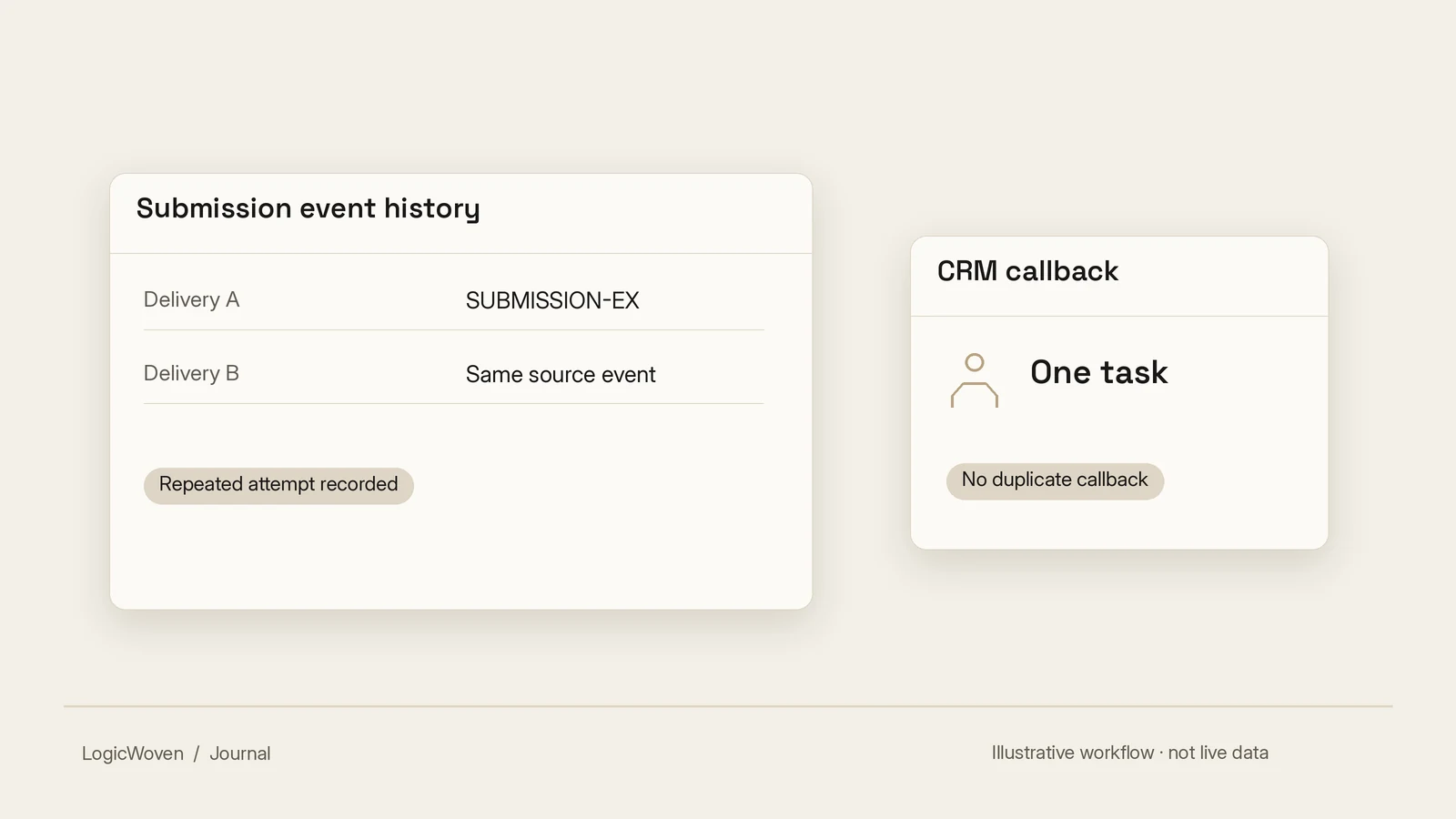
A fictional property-service office receives a form inquiry. Its integration creates a contact and a callback task, then stalls before acknowledging the webhook. A repeated delivery starts a second run.
In the proposed design, both runs refer to the same source submission. The second run sees that the contact and callback task already exist. It records the repeated attempt without creating another callback. If the first run had created the contact but failed to create the task, recovery would continue from that incomplete step.
Now suppose the same customer submits another form describing a different property. The new submission should remain a separate inquiry even if the contact email matches. A person may ultimately combine the work, but the integration should not erase it merely because the customer is already known.
This is an illustrative failure and recovery path. It is not a tested deployment or evidence of savings.
Protect communications as well as records
Duplicate prevention is especially important around external actions because deleting a repeated CRM task does not undo a message already sent. Treat acknowledgments, follow-ups, and reminders as separate actions with their own recorded completion and authority.
A provider timeout may leave the outcome uncertain: perhaps a send failed, or perhaps it succeeded and the acknowledgment was lost. Do not blindly resend in that ambiguous state. Check the connector's actual capabilities, inspect delivery evidence where available, and route uncertainty to a person when necessary.
Keep enough information to investigate without retaining unnecessary customer data. The event record can often hold references and status rather than copying the entire inquiry into every log. Set retention and access rules according to the actual workflow; this article is not a privacy compliance determination.
Know what “fixed” means
Accept the work only when the duplicate tests pass and a genuine second inquiry remains intact. Track repeated deliveries, prevented duplicate actions, unresolved conflicts, and legitimate inquiries mistakenly suppressed. A falling contact count alone is not evidence that the integration improved.
Budget for test design, state storage, monitoring, maintenance, and exception review. Some existing connectors may provide useful duplicate controls, but their scope still needs verification. “Exactly once” is a stronger promise than a successful demonstration and should not be casually offered for a chain of external systems.
LogicWoven can help review CRM organization and tool integrations around a specific form workflow. Discuss duplicate-event handling with a redacted event sample, the current contact-matching rule, and an example of repeated work. The goal is an agreed identity rule and an executable test plan before changing production behavior.
Sources
[3] https://developers.webflow.com/data/docs/working-with-webhooks