

Connected systems · Test the handoff
A contact form is not a lead system: test the journey into your CRM
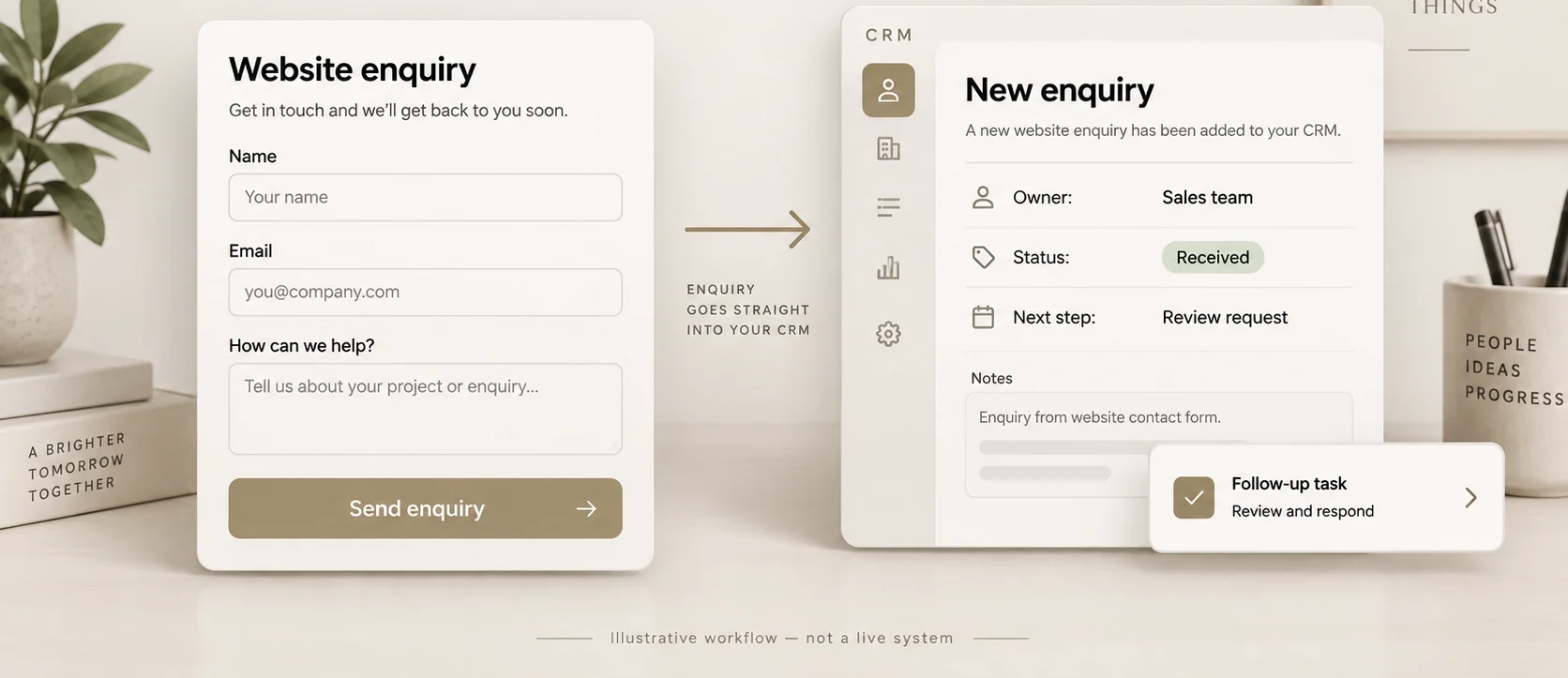
A working contact form is only the start of a working lead system. Test whether each submission becomes the right record in your customer relationship management system, or CRM, reaches a named owner, and has a visible next action. Then test what happens when delivery fails. A confirmation screen alone cannot answer those questions.
You do not need to begin by rebuilding the website. Start with one form and trace its handoffs. The following acceptance checklist is a proposed test plan for an owner, office manager, and integration specialist to complete together. It is not a report of a system LogicWoven has tested for a client.
Draw the journey you actually operate
Write the path in ordinary language: visitor submits, website records receipt, integration receives the event, CRM creates or matches a record, ownership is assigned, and the next action becomes visible. Include email inboxes and spreadsheets if people still depend on them. An undocumented manual step is part of the process, not an exception to the map.
At each handoff, record what proves completion. A website submission ID proves something different from an integration run ID or a CRM record ID. Add timestamps and an accountable person. If you cannot connect the identifiers, investigating a missing inquiry will require guesswork.
Define the finish line before testing. For this exercise, “delivered” means an inquiry is accessible in the agreed system with the expected information, ownership, and next action. It does not mean the prospect is qualified or will book. Those later questions belong in measuring follow-up after an inquiry.
If the form includes a coverage decision, define the service-area eligibility rule before testing the handoff.
Know what a transport receipt does not prove
A webhook is a notification sent from one system to another when an event occurs. For a concrete platform example, Webflow documents a form_submission trigger and an HTTPS destination that receives the notification.[2] This is a documented integration mechanism, not an endorsement of a particular CRM or proof that every connector handles the event correctly.
Webflow says the receiving service should return a 200 response to confirm capture; responses other than 200 cause up to three additional attempts before that request is considered failed.[2] Its documentation also lists redirects, certificate problems, and timeouts as failure conditions, and says repeated failures can lead to webhook deactivation with an email notification.[2]
That distinction shapes the test: a successful transport response is not your business-level acceptance condition. Ask your implementer how the event is safely retained before receipt is acknowledged, and how unfinished CRM work is recovered. The checklist below is a recommended design review, not a claim that Webflow supplies those downstream protections automatically.
Have the implementation team verify webhook signatures and their limits separately from CRM field mapping.
Prepare a test record and an evidence sheet
Use invented names, controlled test inboxes, and unmistakable test labels. Do not put real customer information into a public webhook inspection service. Agree who may create or change CRM records and whether any test is allowed to send a message. Disable ordinary sales sequences for test records unless the specific send is authorized.
For every test, capture the scenario, expected result, actual result, submission identifier, integration trace, CRM identifier, assigned owner, and follow-up task. Add a pass/fail decision and repair owner. Keep sensitive payloads out of a broadly shared evidence sheet; store only what reviewers need, in an approved location.
Start in a safe test environment. Before testing production, get explicit permission for the records, recipients, timing, and rollback. A deliberate outage is not a harmless form submission.
Run the end-to-end acceptance checklist
Ordinary submission. Complete the form as a visitor would, including on a phone. Check validation and the confirmation message, then inspect the actual destination record. Compare every important field, including service requested and contact preference. Passing means correct information reaches the agreed owner and next action, not merely that an email arrived.
Missing or invalid information. Try an omitted required field, an invalid address format, and a valid request with an optional field blank. Specify whether each should be rejected at entry, accepted for review, or processed normally. A useful failure gives the visitor a way forward without silently dropping their request.
Repeated delivery. Have the implementer safely replay the same synthetic event. Require a documented rule that prevents repeated delivery from creating duplicate tasks or messages. Separately submit a genuine second inquiry from the same test contact. It should not disappear just because the email address already exists. Repeated events and repeat customers are different cases.
Slow or unavailable destination. Simulate a CRM or integration failure in the agreed test environment. Confirm where the unfinished item waits, who gets the alert, and how recovery resumes without repeating completed actions. Record the actual behavior rather than assuming the retry settings cover every downstream failure.
Unclear ownership. Submit a request that matches no routing rule, then one that could match several. Require an exception queue with an owner, not an empty assignment field. Test backup coverage when the usual coordinator is absent.
After-hours request. Submit outside the team's stated working hours. Check that any acknowledgment describes the actual next step without promising unavailable staff. Confirm the inquiry remains visible when the office reopens and that any urgent handling follows an owner-approved policy.
Untrusted request. Ask the implementer to test signature validation and rejection using synthetic traffic. Webflow documents signature and timestamp checks for authenticating incoming webhook requests.[2] Do not treat a customer's free-text message as permission to change workflow rules or trigger unrelated actions. Authentication and content handling are separate reviews.
For the repeated-event cases, test repeated and concurrent form deliveries without treating a second inquiry from the same customer as a duplicate.
When ownership is the failing stage, route inquiries before optional enrichment and require an explicit transfer rule.
Hypothetical example: the CRM record exists, but nobody owns it
Consider a small facilities-services firm whose form sends inquiries into a CRM. This example is invented and has no claimed performance result.
A synthetic visitor requests a service outside the existing routing categories. The form displays success, the integration shows a completed run, and the CRM contains the contact. The test still fails: no coordinator owns the inquiry and no follow-up task exists.
The repair is not necessarily a new website or AI agent. The team adds an explicit “needs routing review” path, names its coordinator and backup, and retests. It also verifies that a second delivery of the original event does not create another review task.
This scenario illustrates why acceptance needs a business finish line. A contact record is evidence of storage, not evidence of an owned customer request.
Reconcile the system after the demo
After testing, compare the website's recorded submissions with the downstream inquiry records over a defined period. Mark each eligible submission as matched, deliberately excluded with a reason, or unresolved. Reconcile individual identifiers rather than comparing totals alone: missing and duplicate items could otherwise cancel each other out.
Agree an unresolved-item review frequency that fits staffing and inquiry urgency. Monitor unassigned records and overdue next actions alongside technical failures. Confirm who receives platform deactivation emails and who has access to investigate; an alert in an abandoned inbox is not an operating plan.
Before acceptance, ask the backup person to recover one simulated unfinished inquiry using the written instructions. Budget for monitoring, hosting or integration runtime, software, maintenance, and human exception handling—not just form design.
Limits and the next decision
This checklist does not establish legal permission for marketing, verify a CRM's security posture, or certify an entire website as accessible. Review data collection, retention, contact preferences, and channel-specific obligations for the actual workflow. Product behavior and plan eligibility should be rechecked before implementation.
It also does not prove that delivery improves sales. First establish that inquiries reliably reach a person; then evaluate the usefulness of the response. Keep these investigations separate so a technical fix is not mistaken for a conversion result.
LogicWoven connects website improvements with CRM organization and lead routing. Discuss a form-to-CRM review, bringing the current handoff map and an example of an inquiry your team could not confidently trace.
Sources
Webflow — Working with webhooks · Documentation checked October 6, 2026.