
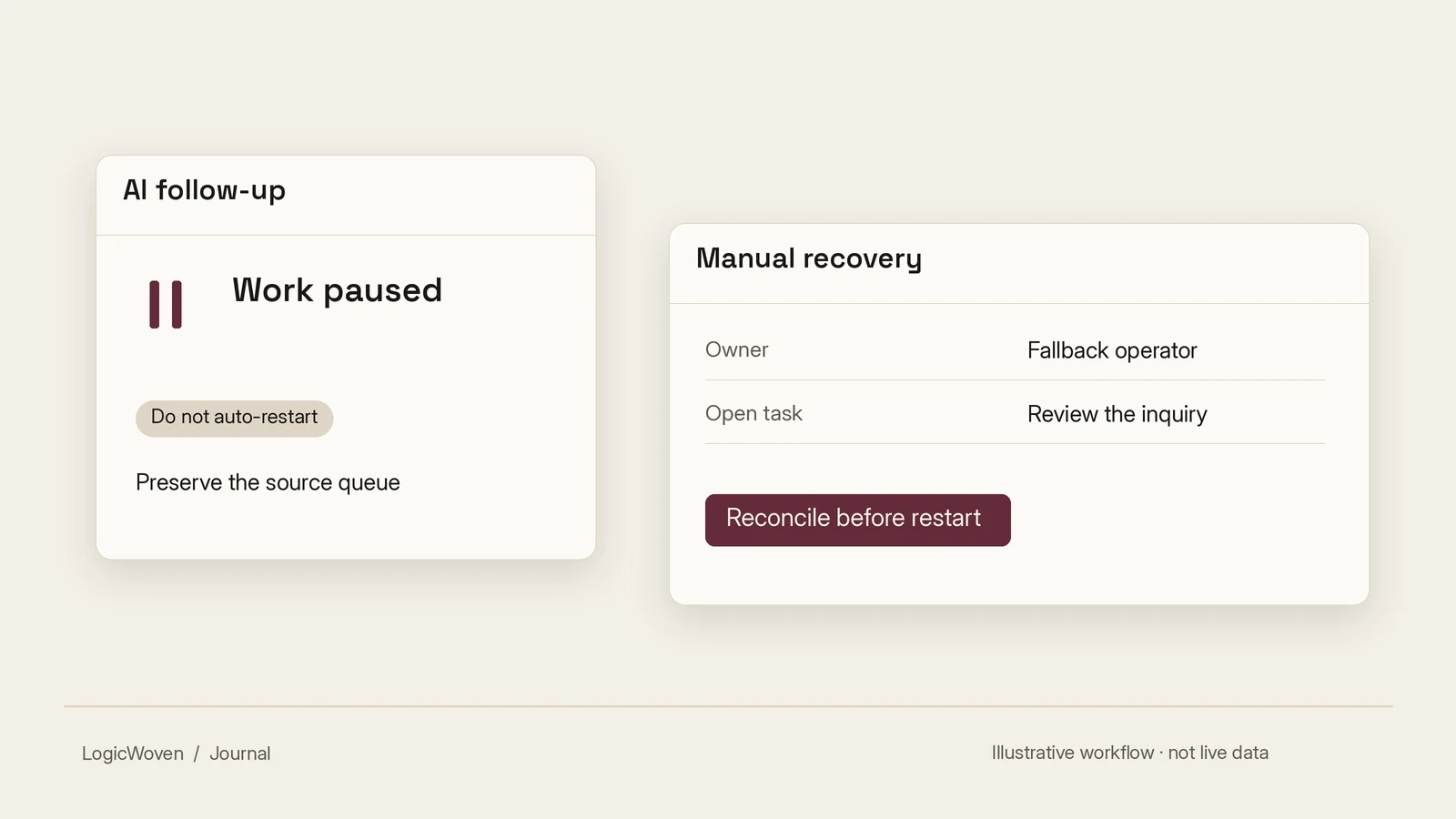
When an AI follow-up workflow stops, restore ownership of customer inquiries before restarting the automation. Identify the affected period, assign unresolved requests to a person, and reconcile what actually happened before replaying work. Buying more capacity may restore a tool; it does not establish that every inquiry was captured or answered.
A fallback is a pre-agreed manual route for work that the automated route cannot complete. For a small customer-facing team, it should be simple enough to use during a busy day: an approved source of incoming requests, a staffed queue, a named incident owner, and a rule for returning work to the normal process.
First distinguish the kind of stop
An activity limit can interrupt more than an optional research step. Zapier documents that Agents reaching the plan activity limit no longer run, cannot perform actions or access knowledge sources, and do not receive trigger events from apps.[3] The ability to chat with the agent remains, so a conversational reply is not proof that the operating workflow is healthy.[3]
HubSpot documents a different boundary: accounts using only included credits pause usage-based features when credits are exhausted until reset or additional capacity is purchased.[1] Reaching an account-level spend limit also pauses features using HubSpot Credits until the next reset.[1]
These examples establish why an interruption plan matters. They do not mean that all platforms retain, discard, or replay work in the same way. Check the source system and the actual connector. Do not assume events missed during a pause will arrive automatically after capacity returns.
A per-run continuation request is also different from monthly exhaustion. Zapier describes a per-run activity boundary that requests user input before continuing.[3] Record which condition you have observed rather than treating every stalled run as the same incident.
Open an incident record before changing settings
The proposed runbook below is for restoring follow-up, not diagnosing every infrastructure failure. Adapt it to your systems, permissions, and staffing. Use synthetic records when rehearsing it.
Start a restricted incident note with the time and timezone of the first known failure, the last confirmed successful handoff, the affected workflow, and the person coordinating recovery. Separate observed facts from suspicions. “No assigned CRM records since the morning check” is an observation; “the provider lost our leads” may not be established.
Preserve relevant run identifiers and source submission identifiers. Avoid pasting full customer messages into broad team channels. If investigation requires sensitive data, use approved access and retention rules. The fallback should not create a new privacy problem while solving an operational one.
The LogicWoven follow-up recovery card
| Stage | Required action | Evidence before moving on |
|---|---|---|
| Declare | Assign one incident owner and notify the backup | Acknowledged responsibility |
| Bound | Identify affected sources, workflows, and time window | Last confirmed success and first known failure |
| Contain | Prevent overlapping automated and manual sends | Confirmed pause or a clearly isolated work subset |
| Recover intake | Read the approved source of incoming inquiries | Reconciled source list, not agent memory |
| Assign | Give each unresolved inquiry a human owner | Owner and next action recorded |
| Handle | Respond through authorized channels | Actual sent status or documented unresolved reason |
| Restore | Obtain technical and spending approvals separately | Approved change and successful test |
| Reconcile | Compare recovered, completed, and still-open work | No unexplained gaps or duplicate sends |
| Close | Record causes, changes, and prevention work | Named follow-up owner |
Keep this card where staff can reach it without the failed agent. A fallback stored only inside an unavailable workflow is not a useful fallback. Specify an alternate notification route if the normal approval or alert channel is also affected.
Recover the work, not just the run
Use the source that originally received inquiries, such as an authorized form-submission store or monitored mailbox. Compare its records with the CRM and actual sent-message history. Your goal is a defensible list of requests, each with a known handling state.
Useful states include received but unassigned, assigned but unanswered, response prepared but unsent, answered, and uncertain. Keep “uncertain” visible until someone resolves it. A success label in one component should not override a missing message in the system that actually sends it.
Before manual outreach, check for an existing response. If the workflow is partially running, isolate the affected records or obtain permission to pause overlapping actions. Do not replay the entire incident window merely because restarting from the beginning seems convenient.
A source system may not retain the evidence needed to reconstruct every event. If that happens, record the gap and investigate available authorized records. Do not report a complete recovery simply because all visible items have owners.
Hypothetical example: quota reached during office hours
Imagine a home-service office whose agent researches incoming inquiries and prepares follow-up. This is an illustrative scenario, not a measured outage or client result.
The operations lead sees a quota notice. The office manager becomes incident owner and checks the original intake records against CRM assignments. Some inquiries already have sent replies; others have drafts; some have no CRM record.
The team avoids resending completed replies. It assigns the unsent and missing items to staff, recording manual actions in the normal customer record. The billing owner separately decides whether to authorize additional capacity. Meanwhile, the technical owner determines what will happen to any pending runs when the tool becomes available.
This separation matters. The person reassuring a customer should not need authority to change a subscription, and the person changing a subscription should not assume that customer recovery is complete.
Restart only after the backlog has a rule
Write down which records will resume automatically, which will remain manual, and which require investigation. Confirm the distinction in the actual implementation. Run a synthetic or explicitly authorized test through the restored path and read back the expected assignment and output.
Then reconcile again. Look for both gaps and duplicates, including messages prepared before the interruption but sent afterward. Only close the incident when the affected work has a known state and an owner for any unresolved exceptions.
Measure recovery using the affected window, unresolved inquiries, correction work, and time to restore owned handling. Do not call every closed ticket a recovered sale. The operational goal is continuity and accountability, not an invented revenue result.
Before relying on the runbook outside an incident, rehearse the lead-workflow outage with controlled cases and record what staff can actually demonstrate.
Budget for the fallback you expect people to use
Manual handling requires staff attention, training, and a usable source of truth. Monitoring and maintenance also need explicit ownership. A low software bill is not a low operating cost if interruptions repeatedly displace essential work.
Conversely, a more expensive plan is not automatically a continuity solution. It may leave the same missing alerts, unclear ownership, or replay uncertainty untouched. Fix those decisions alongside any capacity change.
LogicWoven can help review the route from inquiry to follow-up and scope a practical interruption plan. Discuss your automation continuity workflow. Bring the process map and known failure points so discovery starts with the work that must keep moving.
Sources
[1] https://knowledge.hubspot.com/account-management/understand-hubspot-credits-and-billing